activation

Pool recap

Post-onboarding recap journey that surfaces a playful summary of the user's screenshot history and guides them into the recap content.

1
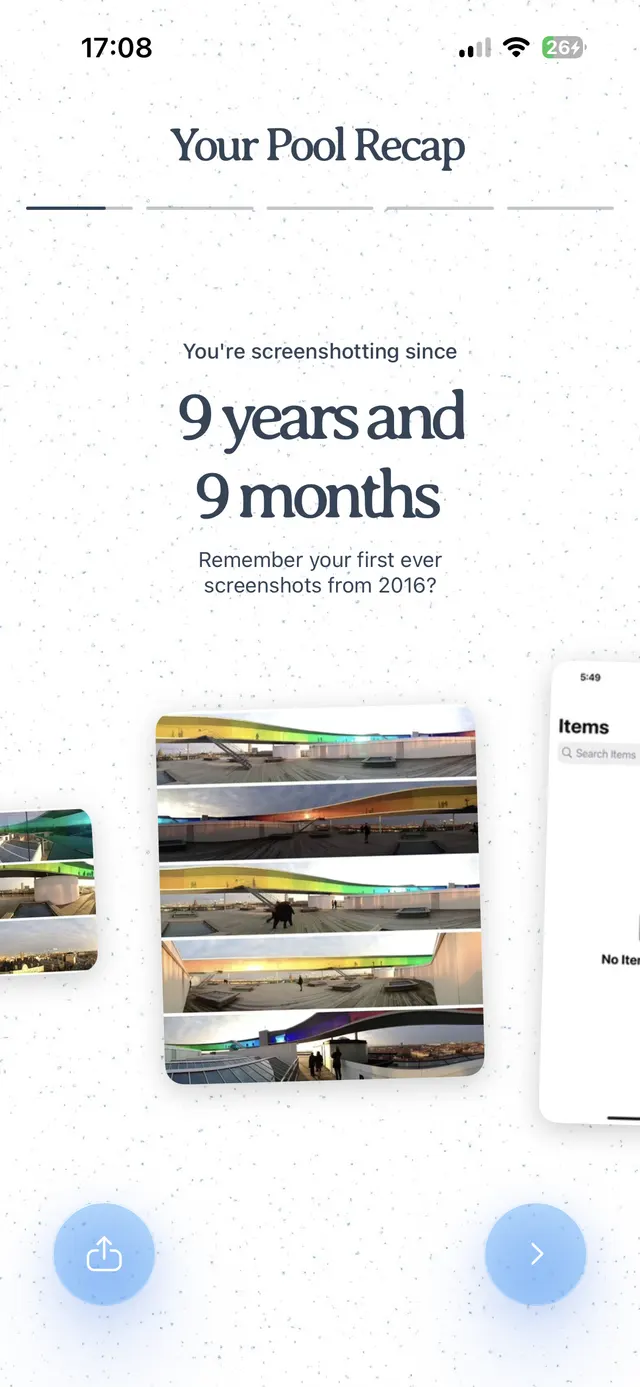
A recap screen titled “Your Pool Recap” showing time spent screenshotting, with a carousel of screenshot memories and share and next buttons at the bottom.
Pool recap

Start the recap with the duration of time since the first screenshot.

2
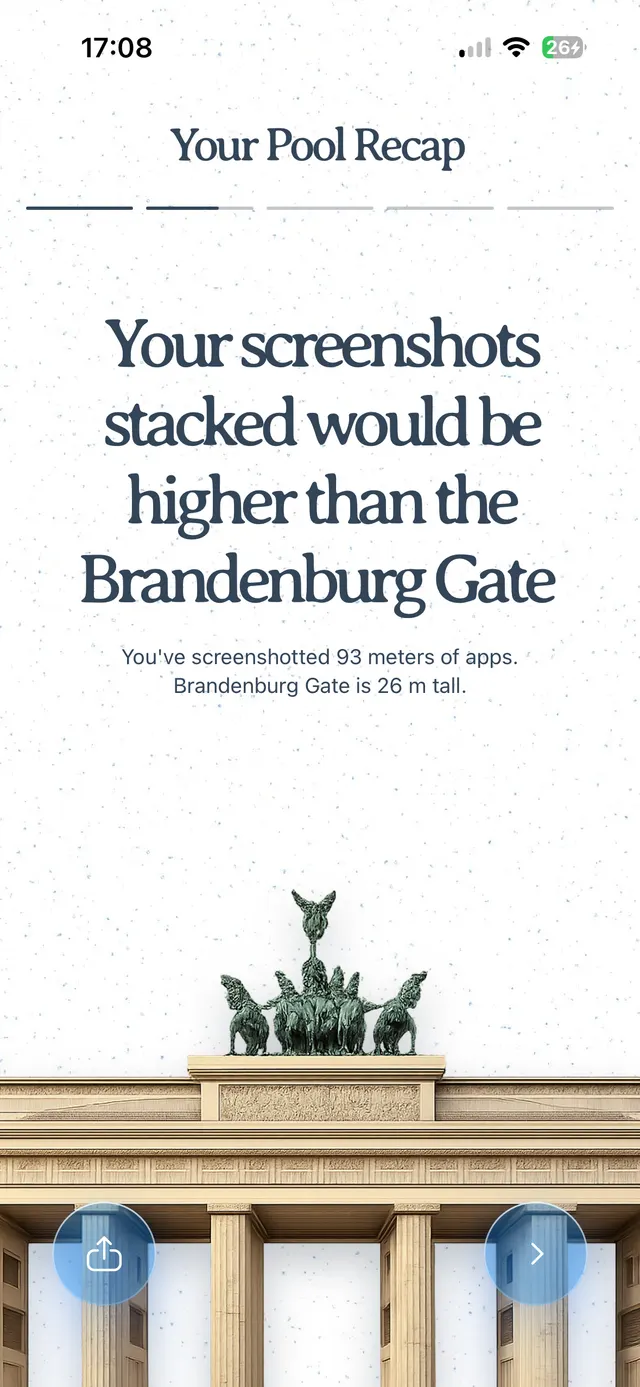
A recap screen saying the user’s screenshots stacked would be higher than the Brandenburg Gate, with a visual of the gate and share/next buttons.
Pool recap screen

Give perspective to the scale of the number of screenshots the user has taken.

3
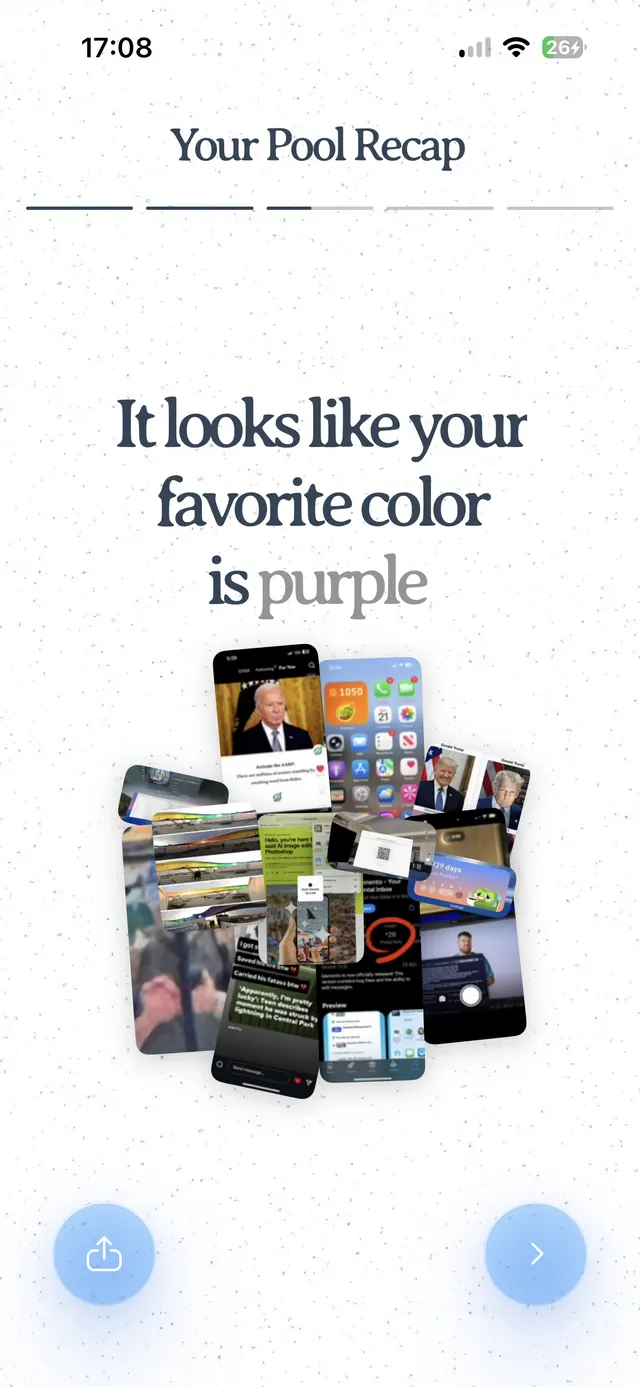
A recap screen titled 'Your Pool Recap' showing the message 'It looks like your favorite color is purple' with a collage of app screenshots and share/next buttons at the bottom.
Pool recap

A stat about the screenshot content beyond just the number of screenshots.

4
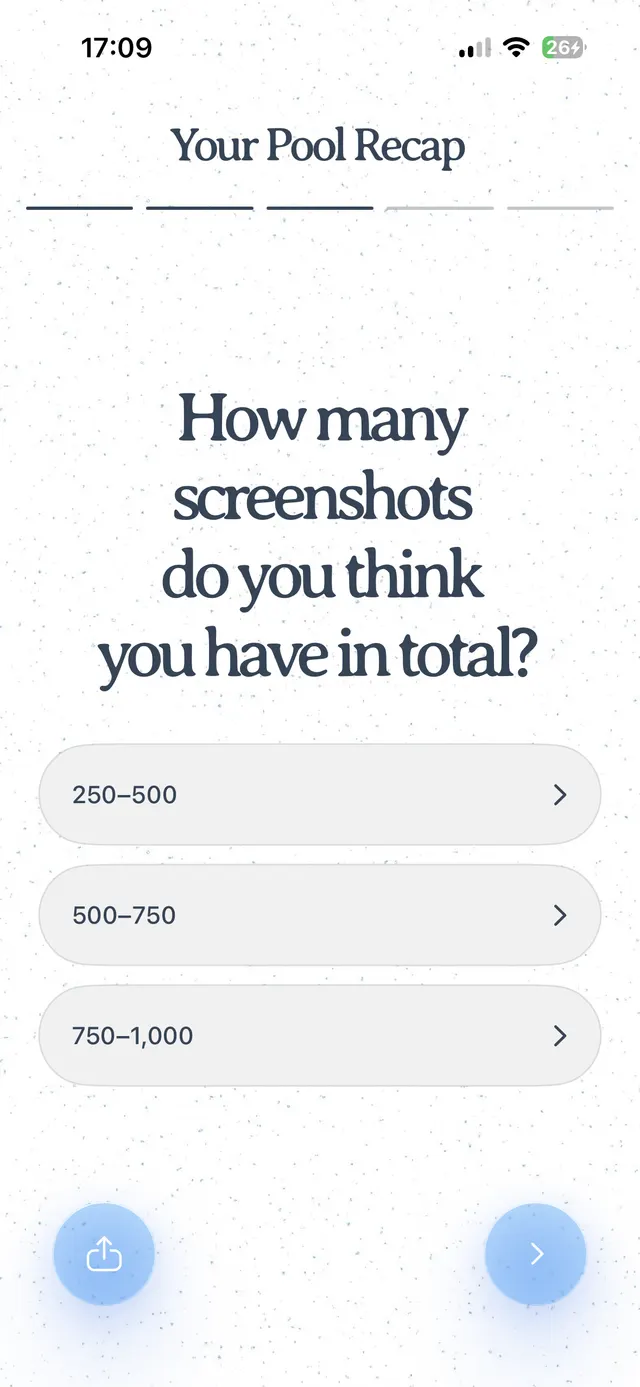
Mobile onboarding screen titled “Your Pool Recap” asking how many screenshots the user has in total, with multiple-choice ranges and back/next controls.
Screenshot count question

Ask the user to guess the number, adding interactivity and suspense.

5
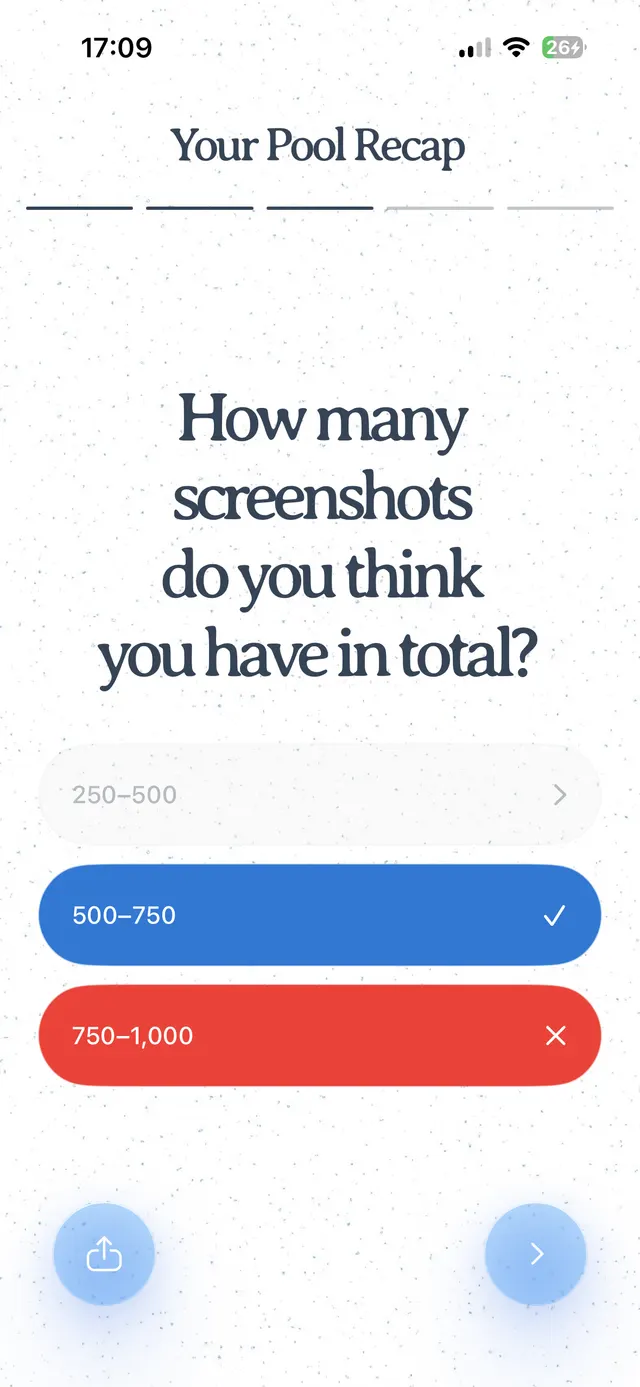
Mobile survey screen titled 'Your Pool Recap' asking 'How many screenshots do you think you have in total?' with multiple-choice answers. One answer appears selected in blue with a checkmark, one incorrect in red with an X, and a disabled-looking unselected option above. Bottom navigation shows a share button on the left and a next button on the right.
6
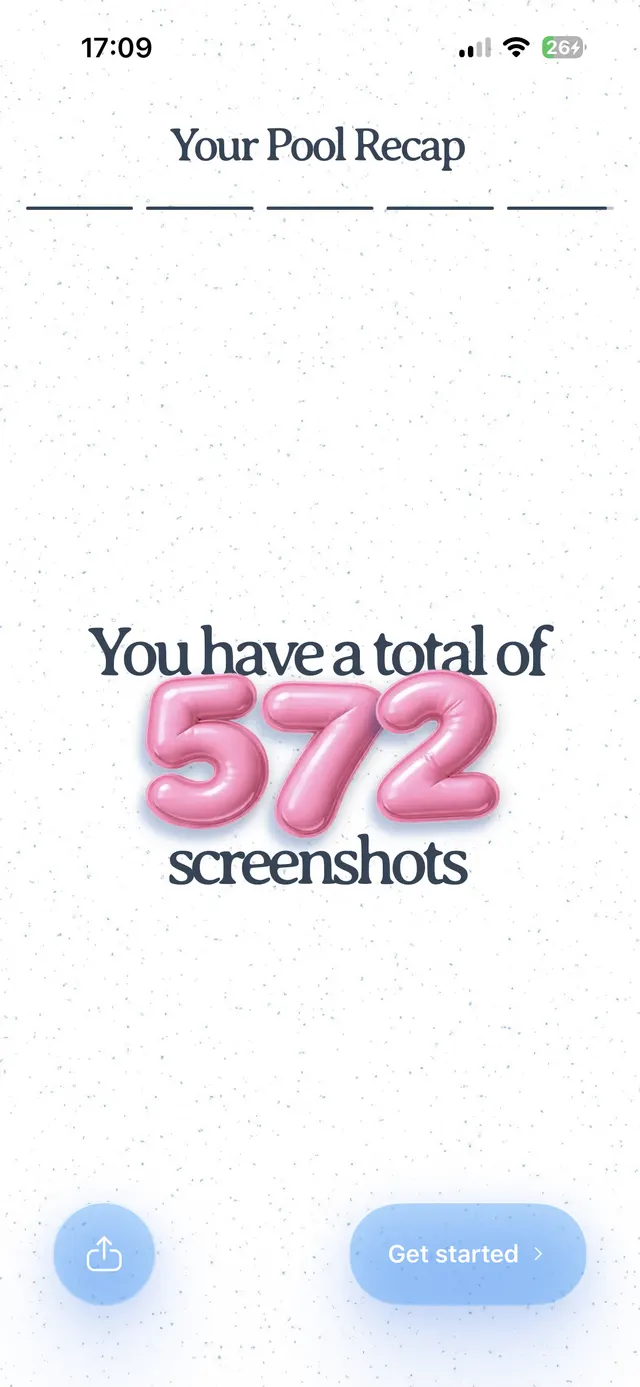
Mobile screen titled “Your Pool Recap” showing a large count of 572 screenshots, with a share button and a Get started button at the bottom.
Pool recap summary screen

End with the reveal of the number of screenshots the user has taken.